Instagram video format: prepare one story for more than one screen
A historical IGTV format announcement is not a reliable production spec. Build an adaptable source file and test the current placement.
A historical IGTV format announcement is not a reliable production spec. Build an adaptable source file and test the current placement.
Protect the main subject
Before editing, decide what the viewer must see: a face, a demonstration or text. Keep a high-quality master and plan safe areas for different crops. A horizontal source may work for some placements and fail badly in others. Preview the exact post in the current app rather than relying on old format tables.
Make the video understandable
Add accurate captions and avoid placing essential information only in small on-screen text. Check contrast, reading time and the crop on a phone. If an image or graphic carries meaning, provide that information in the caption or another accessible form. W3C guidance on text alternatives is a useful starting point for associated images.
Review rights and destination
Confirm music, footage and likeness permissions. Check the destination link and call to action in the actual account. Preserve the editable master and record the approved export. After posting, compare completion and useful actions in context, not just play count.
Make the next move clear
Use this sequence as a starting point, then adapt it to your audience and account.

A maker films a wide workbench demonstration. The editor keeps a clean master, makes a vertical cut focused on the hands and tool, checks subtitles on a small phone and posts only after rights and crop review.
Instagram products and aspect-ratio rules can change; verify the current in-app preview before committing a campaign.
Verify the current platform.
Product features can change by account, country and time. Check the official source and the current app before acting.
Caption proof: a ten-second sequence, checked before export
Captioning is an editing task as well as transcription. This fictional workshop sequence gives you a repeatable check for a vertical clip: the spoken instruction, the hand movement and the caption must remain understandable together. The positions below are an editing proposal, not a permanent Instagram safe-area specification.
- Mark the meaning-bearing action in each shot before placing text. In this example the hands fold a paper corner in seconds 0–4, press the crease in seconds 4–7, and reveal the result in seconds 7–10.
- Transcribe speech and meaningful sounds. Correct names, punctuation and timing manually. Do not add a sound cue merely to fill silence; include it when a listener needs it to understand the scene.
- Preview with the interface and playback controls visible on an actual phone. Move or shorten a caption that covers the crease. Do not crop the hands to make room for a fixed text box.
- Watch once muted, then once with audio. A viewer should identify which corner to fold and when. Check the final export, since burned-in captions and a separate caption track can otherwise appear twice.
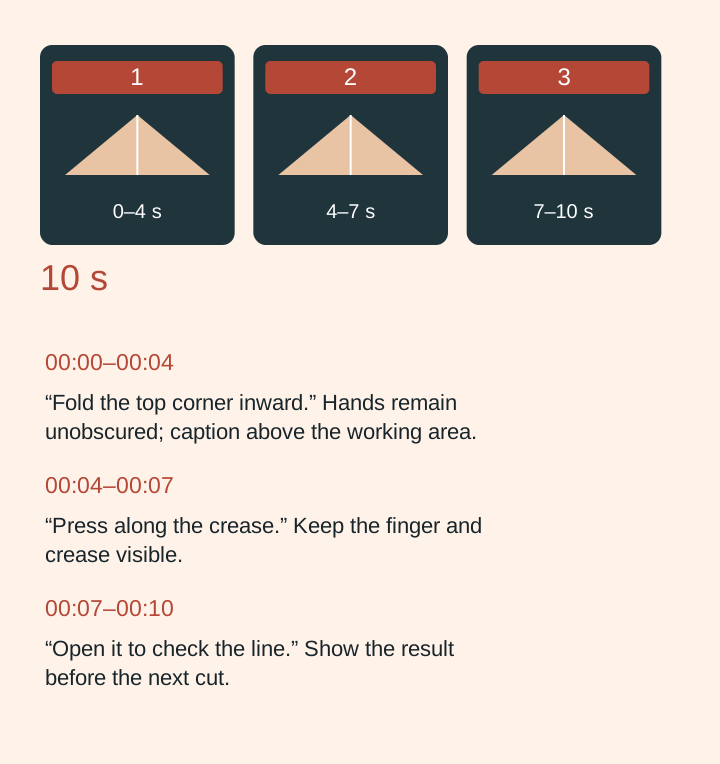
Diagram text: 00:00–00:04: “Fold the top corner inward.” Hands remain unobscured; caption above the working area.; 00:04–00:07: “Press along the crease.” Keep the finger and crease visible.; 00:07–00:10: “Open it to check the line.” Show the result before the next cut.
| Field | Example or check |
|---|---|
| 00:00–00:04 | “Fold the top corner inward.” Hands remain unobscured; caption above the working area. |
| 00:04–00:07 | “Press along the crease.” Keep the finger and crease visible. |
| 00:07–00:10 | “Open it to check the line.” Show the result before the next cut. |
| Muted review | Can a new viewer follow all three actions? Record the missed action and revise. |
| Export record | Filename, dimensions, caption-track choice, phone tested and reviewer decision. |
The downloadable SRT uses this invented script so you can rehearse importing and correcting timings. It does not document a filmed test. If the caption must be shortened, retain the instruction’s meaning; if no placement leaves the action legible, choose a different shot. W3C guidance explains why relevant non-speech information can also belong in captions.
Download the ten-second SRT exercise
Source: W3C: captions