Plan a live session people can actually use
Going live is a format, not a reason to watch. Give people a clear question, a useful path through it and a way to keep the answer afterward.
The old FollowRio guide focused on Instagram Live controls. Controls change; a strong session still needs an editorial promise, preparation, attention to viewers and a useful record after the broadcast.
Promise one useful outcome
Write the session title as an answerable question: 'How do I choose the right size for this print?' is more specific than 'Let's chat about art'. Choose a goal a viewer can achieve or understand within the time available. If the subject needs an hour of background, narrow it or turn it into a series.
Prepare a short outline with an opening, two or three demonstrations and a closing recap. Decide which facts, images or products must be ready beforehand. If you invite a guest, agree who answers which question, how you will introduce their work and what happens if the connection fails.
Design for viewers arriving at different times
Open by stating the question and the route through the session. Repeat the topic briefly at natural transitions for people who join later, without restarting every minute. If comments are part of the format, appoint someone to watch them or choose pauses when you can read them carefully.
Plan moderation before a difficult question appears. Decide how to handle abusive comments, private information and claims you cannot verify live. A useful answer may be 'I will check and add a sourced follow-up'. Live speed is not a reason to guess, disclose someone's details or promise an outcome you cannot control.
Turn the event into a durable answer
After the session, write a concise summary with the main steps, sources and any corrections. A viewer who cannot watch video should still be able to get the useful answer. If you publish a replay, add a clear title and context; do not rely on a disappearing broadcast as the only record.
Review the questions people asked, where attention became confused and what needed correction. Use that evidence to make one improved resource, not merely a highlight clip. If no one attended live but the answer is useful, the session can still produce a strong article or guide.
The live-session run of show
A simple four-part schedule keeps the promise visible without scripting every sentence.
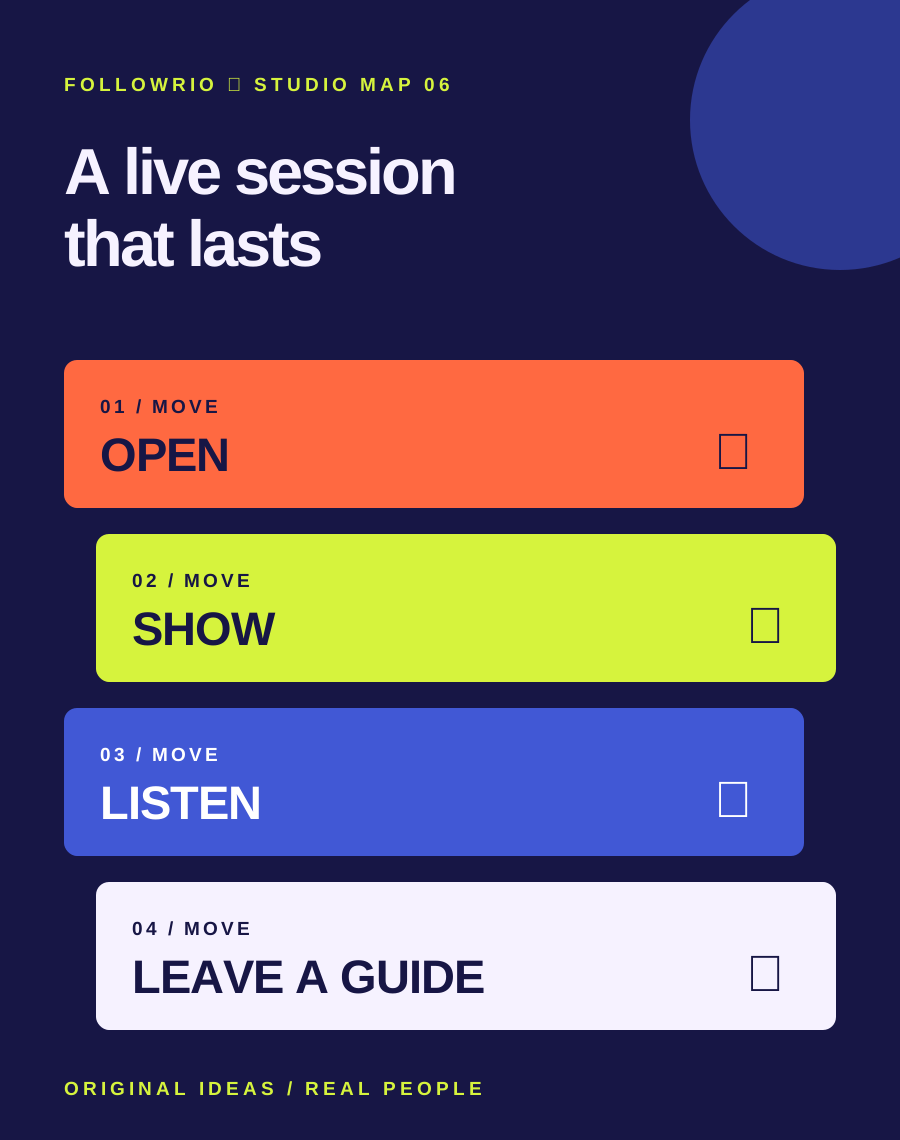
- Open
State the question, outcome and planned route.
- Show
Demonstrate two or three concrete steps or examples.
- Listen
Take questions, name uncertainty and moderate safely.
- Leave
Recap, then publish a text summary and corrections.
Fictional example: a bicycle mechanic runs a session on checking a commuter bike before a wet-weather ride. They show a visual check, explain when to stop and see a professional, pause for questions, and publish a text checklist afterward. They avoid diagnosing a viewer's unseen bike in the comments.
Check current Live availability and safety controls in the official app before announcing a platform-specific feature. This guide is a run of show, not a promise that every account has the same controls.
Read the context.
Archive captures identify the old question. Platform features and support routes can change; these links are starting points for checking the current state.