What to check when an Instagram post disappears
A missing post can have different causes. Slow down before paying a recovery service or giving a stranger account access.
FollowRio's old article treated disappearing photos as a single problem. A safer current guide separates a display issue, the account owner's own action, a platform decision and unauthorized access, then points to official controls for each path.
Confirm what is actually missing
Check whether the post is absent only from one screen or device. Open the profile in the official app and, if possible, another signed-in device or browser. Ask a trusted person whether the public post is visible to them without sending private credentials. Note the post URL or a screenshot you already own, the approximate time it disappeared and any notice shown in the app.
Do not clear every local copy or delete related messages while you are still establishing what happened. If the content is visible elsewhere, this may be a display or connection issue. If it is absent everywhere, move to the account's own activity and support controls rather than guessing from a third-party site.
Follow the cause-specific official route
If you deleted the item yourself, check the account's current deleted-content controls in the official app; available restoration options and periods depend on the content and current Meta rules. If a platform notice says the content was removed, read the stated reason and available review route before reposting the same material.
If you suspect someone else changed the account, prioritize securing access: use the official account recovery flow, review connected devices and apps, and change credentials you control. Do not share one-time codes with anyone who contacts you first. A service promising guaranteed recovery can become a second problem.
Keep a record and reduce future loss
Save the content you created, its source files, captions and rights information in an independent place. A platform profile should not be the only copy of a business's essential instructions or a creator's portfolio. If the removed item contained an error or rights issue, fix that underlying problem before republishing.
Once resolved, document the outcome: display glitch, owner deletion, platform action or account compromise. This prevents the same confusion next time and helps decide what to back up or change. If the official route remains unresolved, keep a concise timeline and use the currently available official support channel.
The missing-post decision tree
Start with the least risky check and take the route supported by what the official account shows.
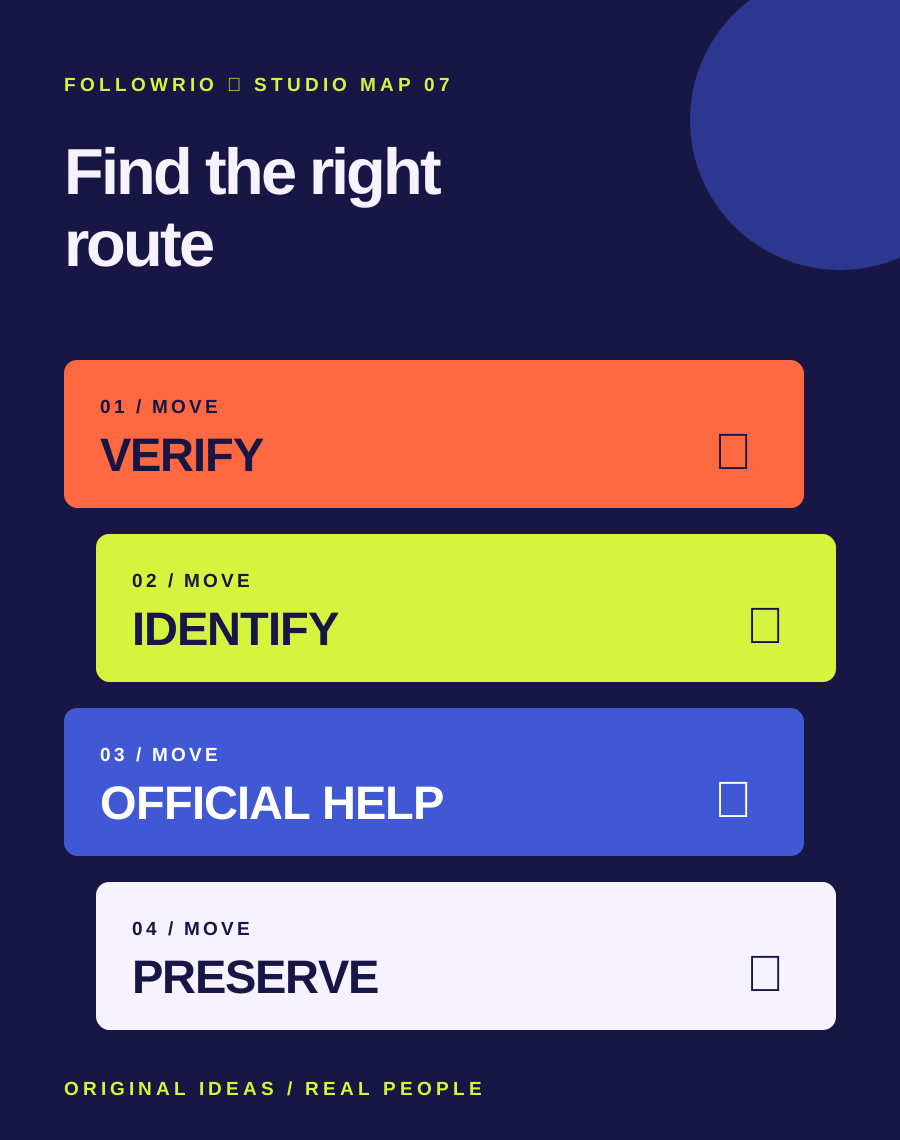
- Verify
Compare views and record notices without changing the account.
- Identify
Look for owner deletion, platform action or unauthorized access.
- Use official help
Follow the relevant in-app recovery, review or security route.
- Preserve
Keep originals, rights notes and the resolution timeline.
Fictional example: a photographer cannot see a portfolio post on one phone. It still appears in a browser, and no account notice exists. They update the app and check again rather than giving a 'recovery expert' a login code. A second case with an unauthorized login would follow the official security route immediately.
Menus, eligibility and restoration windows change. Check the official Help Center from the account; this article does not guarantee recovery of any particular post.
Read the context.
Archive captures identify the old question. Platform features and support routes can change; these links are starting points for checking the current state.